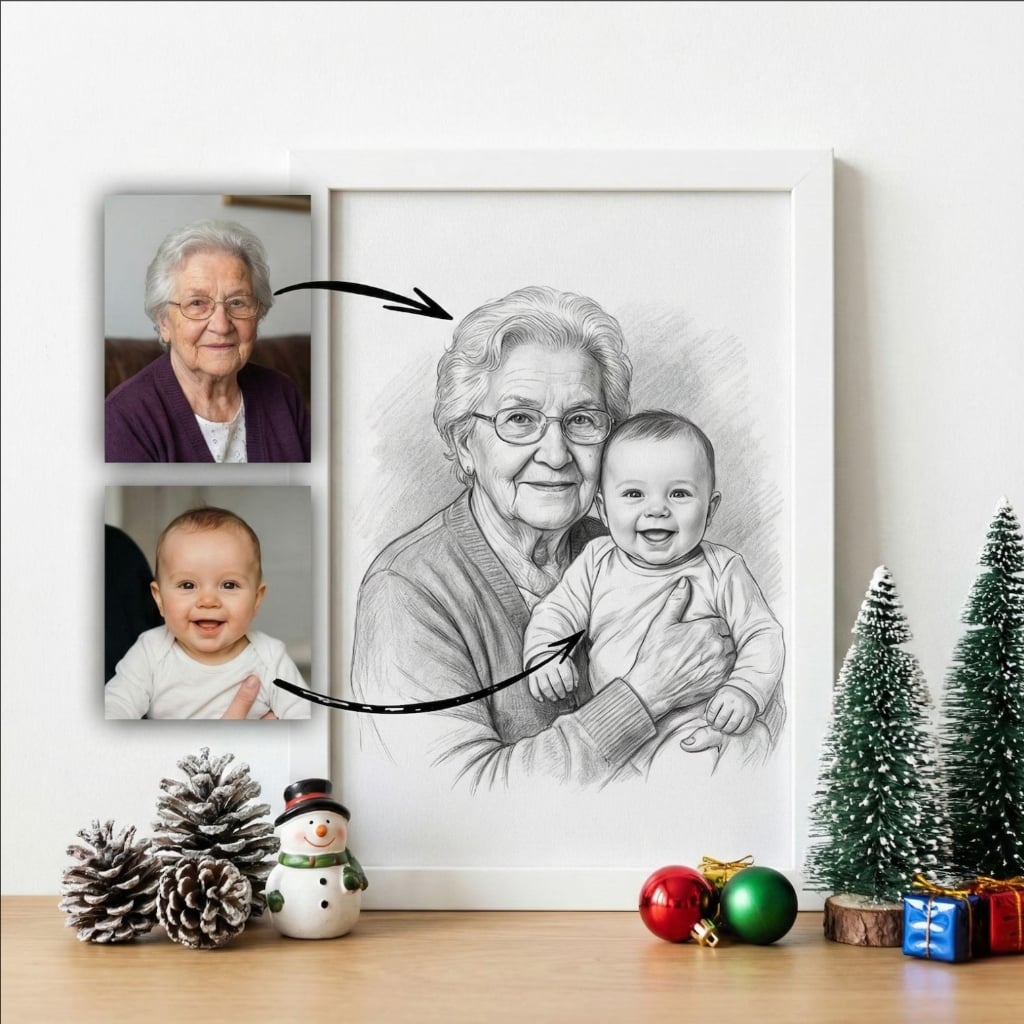
Add Deceased Loved One
to Family Portrait (AI & Free)
Create complete family portraits that include everyone. Free AI tool to seamlessly add deceased loved ones to your family photos and reunion pictures.
Why Choose Our Family Portrait AI Tool
The easiest way to create complete family portraits that include deceased loved ones.
Complete Family Portraits
Include deceased parents, grandparents, siblings, or other family members in your reunion photos and family portraits.
Multiple Artistic Styles
Choose from photorealistic, charcoal sketch, watercolor, or oil painting styles to match your aesthetic vision.
Instant AI Generation
Create beautiful family portraits in seconds. No waiting days or weeks for manual photo editing or artist commissions.
Canvas Print Quality
Ultra-high resolution (300 DPI) perfect for large canvas prints, photo albums, and professional framing.
Natural & Respectful
AI-powered blending creates seamless, natural compositions that respectfully honor your loved ones' memory.
Free & Easy to Use
No software downloads, no subscriptions. Upload photos and create your family portrait in your browser, completely free.
AI vs. Traditional Photo Editing
See why thousands of families choose our AI tool over manual editing services.
Perfect for Every Family Occasion
Create meaningful family portraits that honor and remember everyone in your family.
Annual Family Reunions
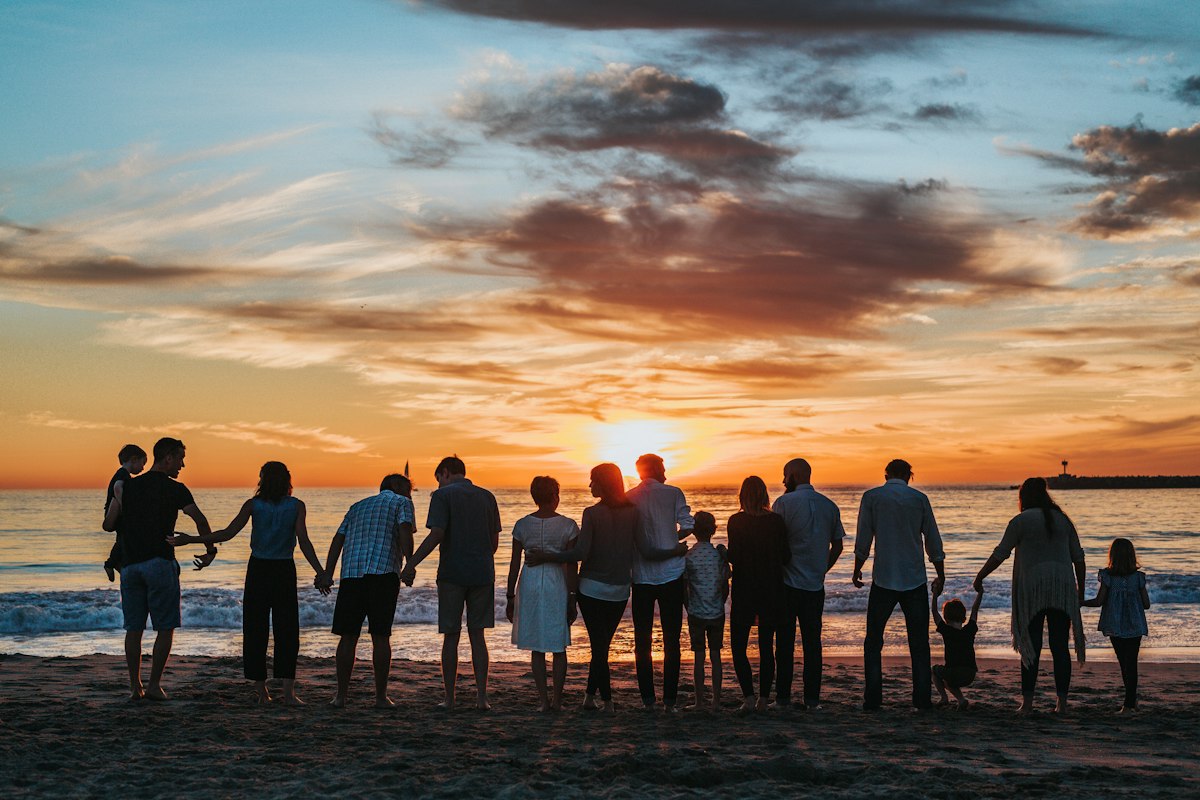
Complete your yearly family reunion photos by adding deceased grandparents, parents, or siblings who can no longer attend.
Multi-Generational Portraits
Create stunning 3 or 4 generation family portraits that bridge past and present, showing your complete family lineage.
Holiday Family Photos
Include deceased loved ones in your Christmas cards, Thanksgiving photos, or other holiday family gatherings.
Memorial Family Displays
Create permanent family portrait displays for your home that honor and remember those who have passed away.
The Emotional Value of Memorial Portraits
Photos are more than just images; they are memories frozen in time. When a loved one passes away, we often feel a void in our family gatherings and the photos we take to commemorate them. Adding a deceased loved one to a photo isn't just about image manipulation; it's about healing, remembrance, and keeping their spirit alive in our daily lives.
Whether it's a wedding they missed, a graduation they were proud of, or simply a family reunion where their absence was felt, seeing them present in the frame can bring immense comfort. Our AI memorial photo tool allows you to bridge the gap between the past and the present, creating a visual representation of the bond that never fades.
Why Create a Memorial Portrait?
- Honor Their Memory: Keep their presence visible in your home.
- Complete the Family: Ensure future generations know who they were and see them with the family.
- Heal Through Art: The process of creating and viewing these photos can be a therapeutic part of the grieving process.
- Perfect Gift: A custom memorial portrait is one of the most thoughtful gifts you can give to someone grieving a loss.
With advanced AI technology, we can now achieve what used to take skilled artists days to paint. We treat every photo with the utmost respect, ensuring that the final result is a dignified and beautiful tribute to your loved one.
How to Add Deceased Loved One to Family Portrait
Create your complete family portrait in 4 simple steps.
Upload Your Family Portrait
Select your current family photo, reunion picture, or any group photo where you'd like to add your deceased loved one. Any photo format works.
Add Photos of Deceased Loved Ones
Upload clear photos of deceased family members you want to include. You can add multiple people - grandparents, parents, siblings, or other relatives.
Choose Style & Arrangement
Select your artistic style (photorealistic, charcoal, watercolor, oil) and decide how you want to arrange everyone in the portrait.
Download & Display
Receive your complete family portrait instantly in high resolution. Print on canvas, frame it, or add it to your family photo album.
Family Stories
From families who reunited their loved ones in portraits.
"We added my late grandmother to our family reunion photo. She's been gone for 5 years, but seeing her stand with all her children and grandchildren brought tears to everyone's eyes. It's perfect."
Maria Johnson
Family Reunion
"Both my parents passed before they could meet their first grandchild. This tool let us create a 4-generation portrait that never existed in real life. Now it hangs in our living room. Incredible quality."
Thomas Chen
Multi-Gen Portrait
"The charcoal style is beautiful and dignified. We printed it on a 30x40 canvas and it's museum quality. My brother who passed 3 years ago now appears in all our family photos. Thank you."
Anna Lopez
Family Portrait
Tips for the Best Results
Follow these simple tips to ensure your AI-generated memorial portrait looks perfect.
Lighting Matches
Try to choose a photo of your loved one where the lighting direction matches your family photo (e.g., both outdoors or both indoors).
Eye Level
Photos taken at eye level usually blend best. Avoid extreme high or low angles unless the main photo matches that perspective.
Clear Faces
While our AI enhances quality, starting with a clear, focused photo of the face yields the most realistic results.
Don't Worry About Backgrounds
Our AI automatically removes the original background from your loved one's photo, so don't worry if it's cluttered.
Frequently Asked Questions
Everything you need to know about adding deceased loved ones to family portraits.
Our free AI tool makes it simple. Upload your current family portrait and a photo of your deceased loved one. Our AI will seamlessly merge them together, matching lighting, colors, and perspective to create a natural-looking family portrait that includes everyone.
Yes! Our tool supports adding multiple deceased loved ones to a single family portrait. Simply upload photos of each person you want to include, and our AI will arrange them naturally within your family composition.
Absolutely. Our advanced AI analyzes lighting conditions, shadows, perspective, and even adjusts clothing tones to create seamless, natural-looking portraits. You can choose photorealistic or artistic styles like charcoal, watercolor, or oil painting.
You have complete creative control. Position them prominently in the front row, standing in the back, or even subtly in the background as a guardian presence. Our AI adapts to your vision.
Yes! All generated portraits are ultra-high resolution (300 DPI equivalent), specifically optimized for professional canvas printing. They look stunning at any size, from 8x10 to 30x40 inches or larger.
No. While clearer photos yield better results, our AI works with photos from any era, including old, faded, or slightly blurry family album pictures. We can even enhance and restore them during the process.
Our AI generates your complete family portrait in seconds. You can create unlimited variations with different styles, positions, and arrangements until you find the perfect one.
Yes! Our basic AI portrait generation is completely free. You can create, download, and print your family portraits at no cost. Premium features like ultra-high resolution and commercial licensing are available as optional upgrades.
Yes, adding deceased parents or grandparents to wedding photos is one of our most popular requests. It's a beautiful way to have them 'present' on your special day. Our AI can even adjust their attire to match the wedding formality.
Our AI is trained to handle vintage photos. It can automatically colorize black and white photos and enhance low-quality images to match the resolution and lighting of your modern family portrait.
Not at all. We designed this tool specifically for non-technical users. You just need to upload the photos, and our AI handles all the complex blending, lighting, and scaling automatically.
Create Your Complete
Family Portrait Today
Free AI tool to add deceased loved ones to family photos. Include everyone in your family portraits. Canvas print quality, instant generation.
Start Creating Free