Add Photo to Photo AI Free
Seamlessly combine any two photos with AI. Add a person from one photo to another, merge family photos, or create stunning composites — all free, all online.
How to Add Photo to Photo with AI
No design skills required. Our AI handles everything automatically.
Upload Two Photos
Upload your base photo and the photo containing the person you want to add. Supports JPG, PNG, HEIC.
AI Merges Them
Our add photo to photo AI matches lighting, shadows, skin tones, and perspective automatically.
Download & Share
Preview your merged photo and download instantly. Print it, share it, or order a professional canvas.
What Can You Create with AI Photo Merging?
From memorial portraits to family reunions — endless possibilities.
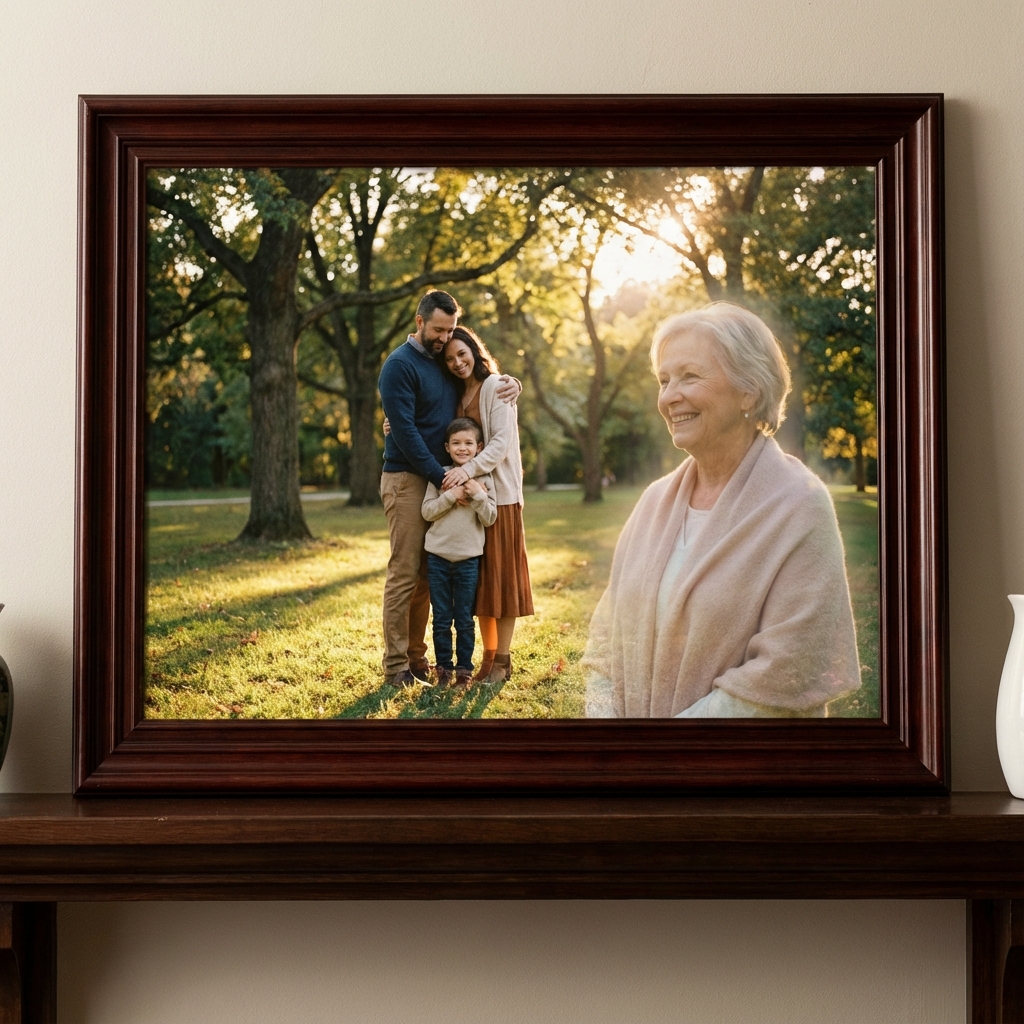
Add Deceased Loved One to Photo
Reunite with passed family members in new photos. Create touching memorial portraits.
Learn more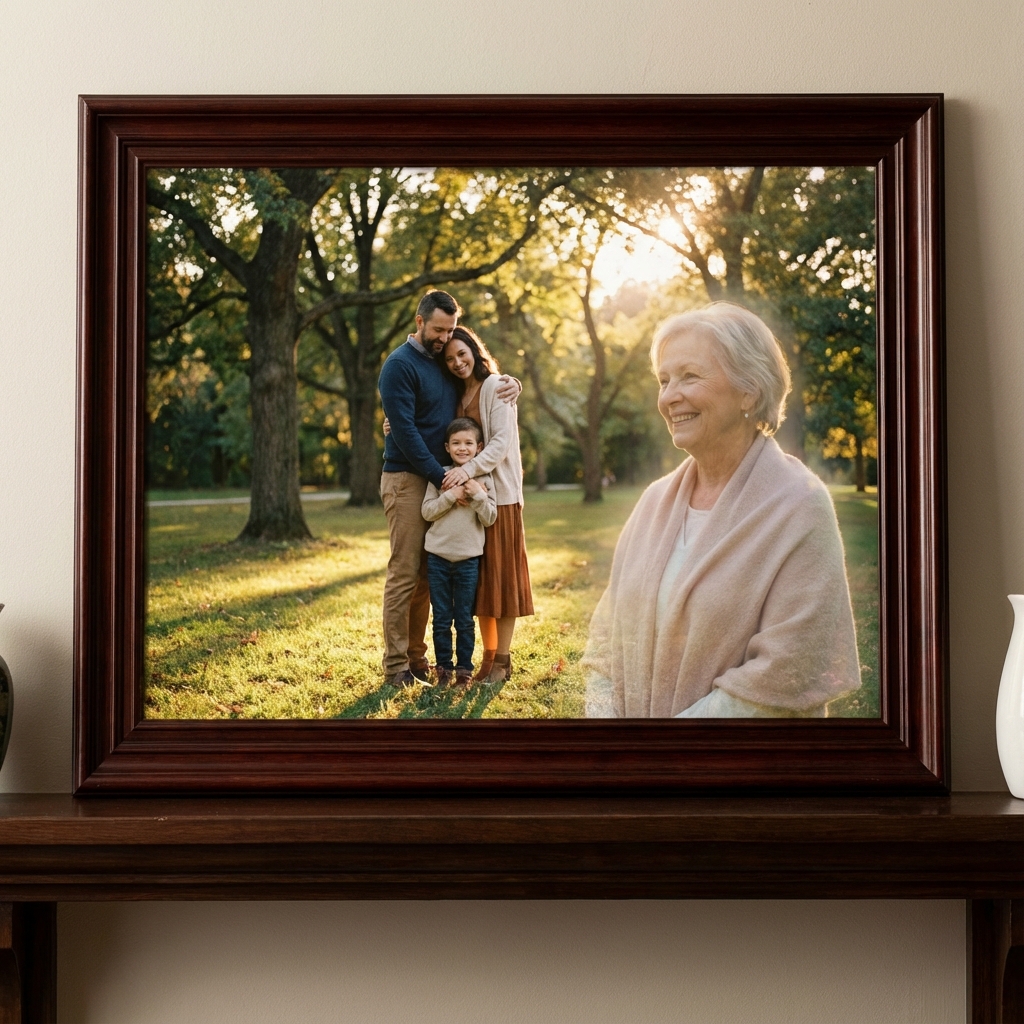
Merge Family Photos Together
Combine separate photos into one perfect group portrait. No one left out.
Learn more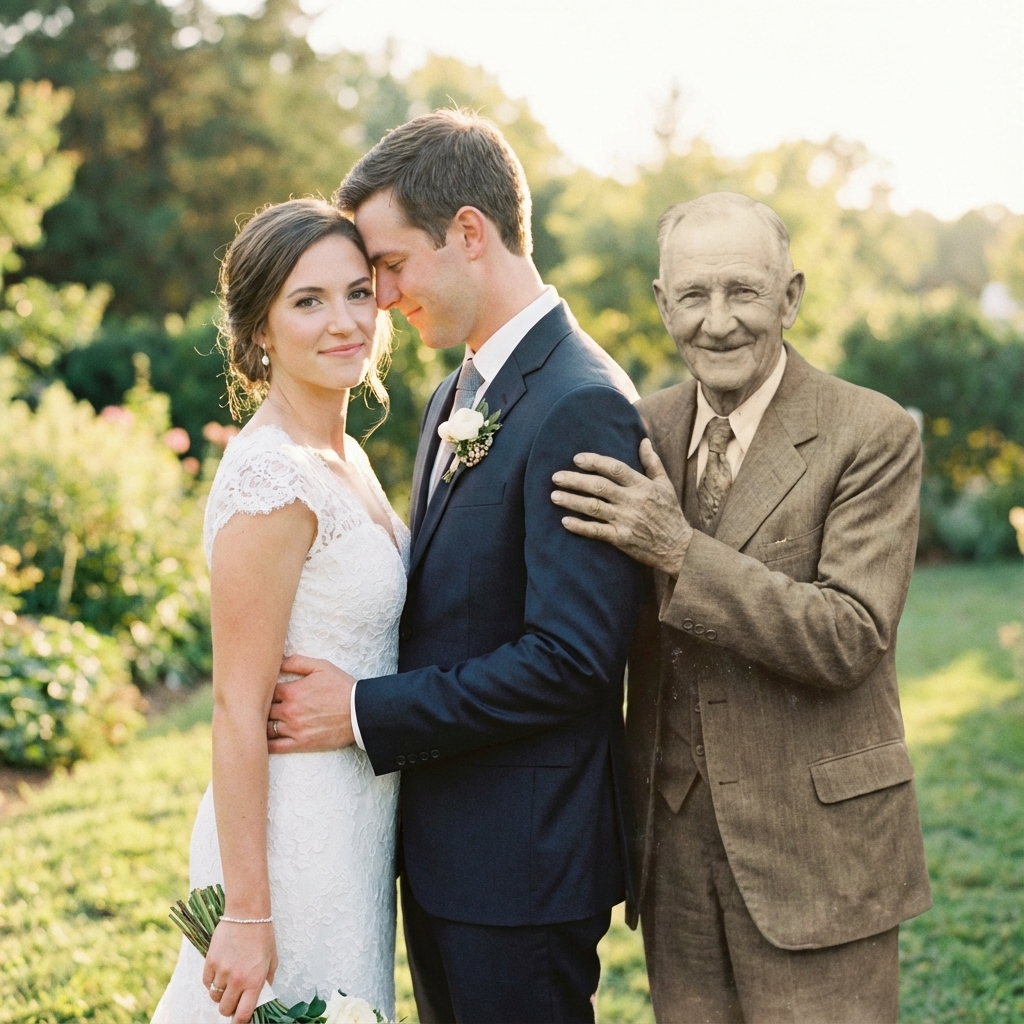
Add Person to Wedding Photo
Include family members who couldn't attend your special day.
Learn more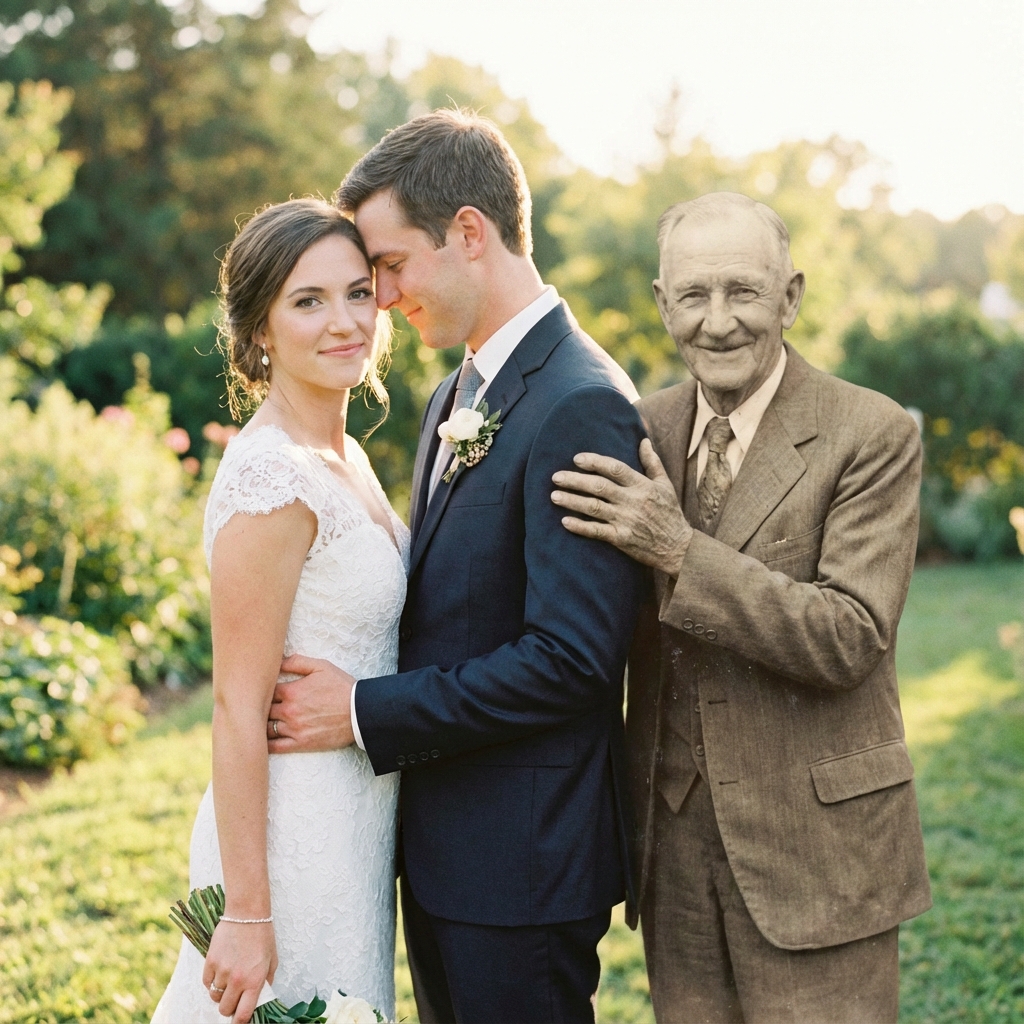
Create Generational Portraits
Combine photos from different eras. Grandparents with grandchildren, cross time.
Learn moreThe Best Add Photo to Photo AI Tool
Professional-quality results without the professional price tag.
Instant AI Processing
Add photo to photo AI in under 60 seconds. No waiting, no complex software required.
100% Private & Secure
Your photos are encrypted with bank-level security and automatically deleted after processing.
24h Pro Delivery
Need professional retouching? Get hand-crafted, museum-quality results within 24 hours.
Works Everywhere
Use on iPhone, Android, iPad, Mac, Windows — any device with a web browser.
Smart Auto-Matching
AI automatically matches lighting, shadows, skin tones, and perspective between photos.
Professional Quality
300 DPI output ready for printing on canvas, photo paper, or any professional format.
Why Our AI Photo Merger is Better
See how we compare to Photoshop and free apps.
| Feature | Our AI Tool | Photoshop | Free Apps |
|---|---|---|---|
| Instant AI Preview | — | — | |
| Professional Lighting Match | — | ||
| No Software Download | — | ||
| Works on Mobile | — | ||
| Human Artist Retouching | — | — | |
| Print-Ready 300 DPI | — | ||
| Free to Try | — | ||
| Privacy Protected | — |
What Our Users Say About Add Photo to Photo AI
"I used add photo to photo AI to put my late mother in my daughter's graduation photo. The result is absolutely stunning — you can't tell it's edited!"
Jennifer M.
Mother • Texas, USA
"As a professional photographer, I was skeptical. But this AI photo merger matched lighting and shadows better than I could in Photoshop. Incredible technology."
Marcus T.
Photographer • New York, USA
"My dad passed before my wedding. This service helped me add him to our family photos. My mom cried happy tears when she saw it."
Sarah K.
Bride • California, USA
The Complete Guide to Add Photo to Photo AI
Looking to add photo to photo AI for free? You've come to the right place. Our advanced AI technology makes it incredibly easy to merge two photos into one seamless image, whether you're combining family portraits, adding a deceased loved one to a current photo, or creating unique artistic composites.
What is Add Photo to Photo AI?
Add photo to photo AI refers to artificial intelligence technology that can intelligently combine elements from multiple photographs. Unlike traditional photo editing that requires hours of manual work in Photoshop, our AI photo merger automatically handles all the complex technical aspects:
- Subject detection and extraction — AI identifies and isolates people from backgrounds
- Lighting and shadow matching — Ensures consistent illumination across merged elements
- Color correction and tone matching — Harmonizes skin tones and color temperatures
- Perspective alignment — Adjusts angles to create natural-looking compositions
- Seamless edge blending — Eliminates visible cut lines and artifacts
Why Choose Our Add Photo to Photo AI Tool?
Our add photo to photo AI free tool stands out because it combines the speed of AI with the quality of professional photo editing. Here's what makes us the preferred choice for over 500,000 users worldwide:
No credit card, no signup required
iPhone, Android, Mac, Windows, iPad
Use directly in your web browser
Or get human-retouched versions
Common Uses for AI Photo Merging
People use our add photo to photo AI service for many meaningful purposes:
- Memorial portraits — Add deceased loved ones to new family photos to keep their memory alive
- Wedding photos — Include family members who couldn't attend your special day
- Generational photos — Combine photos from different eras for unique family portraits
- Group photos — Merge separate shots into one perfect photo where everyone looks great
- Pet memorials — Add beloved pets who have passed to family photos
Ready to Merge Your Photos?
Join 500,000+ users who've created stunning photo composites with our AI. Takes less than 60 seconds.
Start Merging Photos✓ No signup ✓ No download ✓ Works on mobile
Frequently Asked
Questions
Everything you need to know about our memorial photo service.