Custom Memorial
Portrait Creator
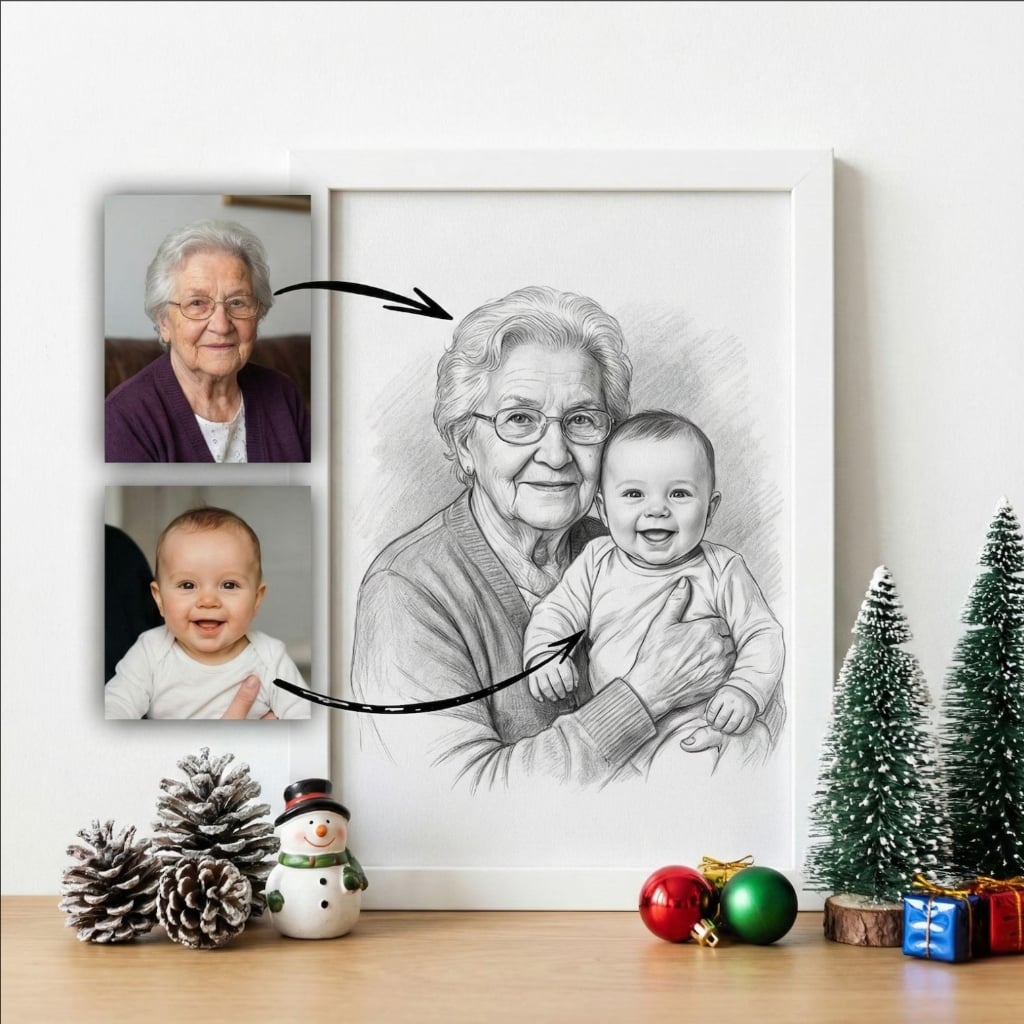
Create beautiful, personalized memorial portraits of your deceased loved ones. Enhance photos, change backgrounds, and design a lasting tribute. Free and instant.
Design the Perfect Tribute
Tools designed to help you create a respectful and beautiful memorial image.
Custom Design
Create unique memorial portraits with customizable backgrounds, layouts, and styles to honor your loved one.
Background Change
Easily swap distracting backgrounds for peaceful, scenic, or solid color backdrops suitable for memorials.
Photo Enhancement
Automatically improve photo quality, sharpen details, and fix lighting for a professional-looking tribute.
Merge Photos
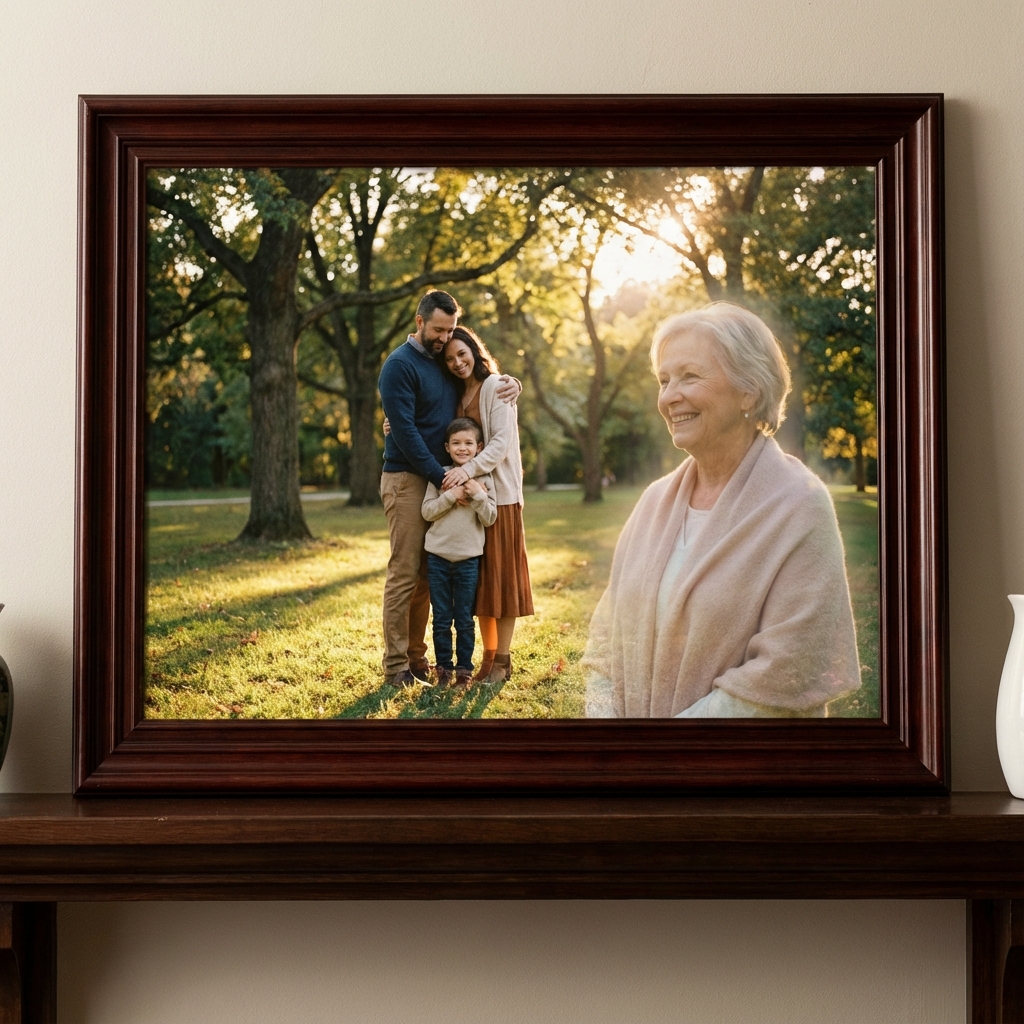
Combine photos of the deceased with other family members or pets for a complete family memorial.
Print Ready
Download in high resolution perfect for framing, funeral services, or keepsake albums.
Free to Create
Design and download your custom memorial portrait completely for free. No hidden fees.
Honoring Memories
Create lasting tributes for every memorial need.
Funeral Service Displays
Create large, high-quality portraits for display at funeral services, wakes, or celebrations of life.
Home Memorials
Design beautiful framed portraits to keep the memory of your loved one alive in your home.
Keepsake Gifts
Create personalized memorial photos as comforting gifts for grieving family members and friends.
Digital Tributes
Share respectful and beautiful memorial images on social media or online memorial pages.
How to Create a Memorial Portrait
Create a stunning memorial in 4 simple steps.
Upload Photo
Choose a photo of your loved one. It can be old, new, black & white, or color. Our AI works with any image quality.
Enhance & Customize
Our AI automatically enhances the photo quality. You can then choose to change the background, adjust colors, or merge with other photos.
Add Personal Touches
Optionally add text, dates, or a meaningful quote to the portrait to personalize your tribute.
Download & Print
Download your high-resolution memorial portrait instantly. It's ready to be printed, framed, or shared with family and friends.
Heartfelt Tributes
Families who created beautiful memorials for their loved ones.
"I needed a large photo for my father's funeral service, but all I had were small, blurry snapshots. This tool enhanced the photo beautifully and allowed me to put him against a peaceful sky background. It was perfect."
David King
Funeral Service
"Created a beautiful memorial portrait of my sister. I was able to remove a distracting background and just focus on her smile. I framed it for my parents and they cried happy tears. Thank you."
Sarah Lewis
Family Gift
"Used this to combine photos of my grandparents who passed years apart. Seeing them together again in one beautiful portrait means the world to me. The quality is outstanding."
Michael Jones
Grandparents Memorial
Frequently Asked Questions
Common questions about creating memorial portraits.
Simply upload a photo of your deceased loved one. Our AI tools allow you to enhance the photo, change the background, add text or quotes, and even merge them with other family photos to create a personalized memorial portrait.
Yes, you can customize your memorial portrait with various respectful elements. While our core AI focuses on realistic photo restoration and merging, you can use our editing tools to add symbolic touches if desired.
Absolutely. You can remove the original background and replace it with something serene like a sunset, clouds, a favorite landscape, or a simple, elegant solid color to focus attention on your loved one.
Yes. You can upload multiple individual photos of different deceased family members, and our AI will merge them into a single, cohesive group memorial portrait as if they were together.
Yes. After creating your image, you can add names, birth and passing dates, or meaningful quotes to personalize the memorial portrait further.
Our AI automatically upscales and enhances your photos to high resolution (300 DPI), making them suitable for large framed prints, canvas wraps, or funeral display boards without pixelation.
Yes, our basic memorial creation tools are free to use. You can create, edit, and download high-quality memorial portraits at no cost.
It takes just seconds. Upload your photo, select your preferences, and our AI generates your custom memorial portrait instantly.
Create a Beautiful
Memorial Tribute
Free AI tool to create custom memorial portraits. Enhance photos, change backgrounds, and honor your loved one with a high-quality image.
Create Memorial Free