Add Missing Person
to Group Photo Online
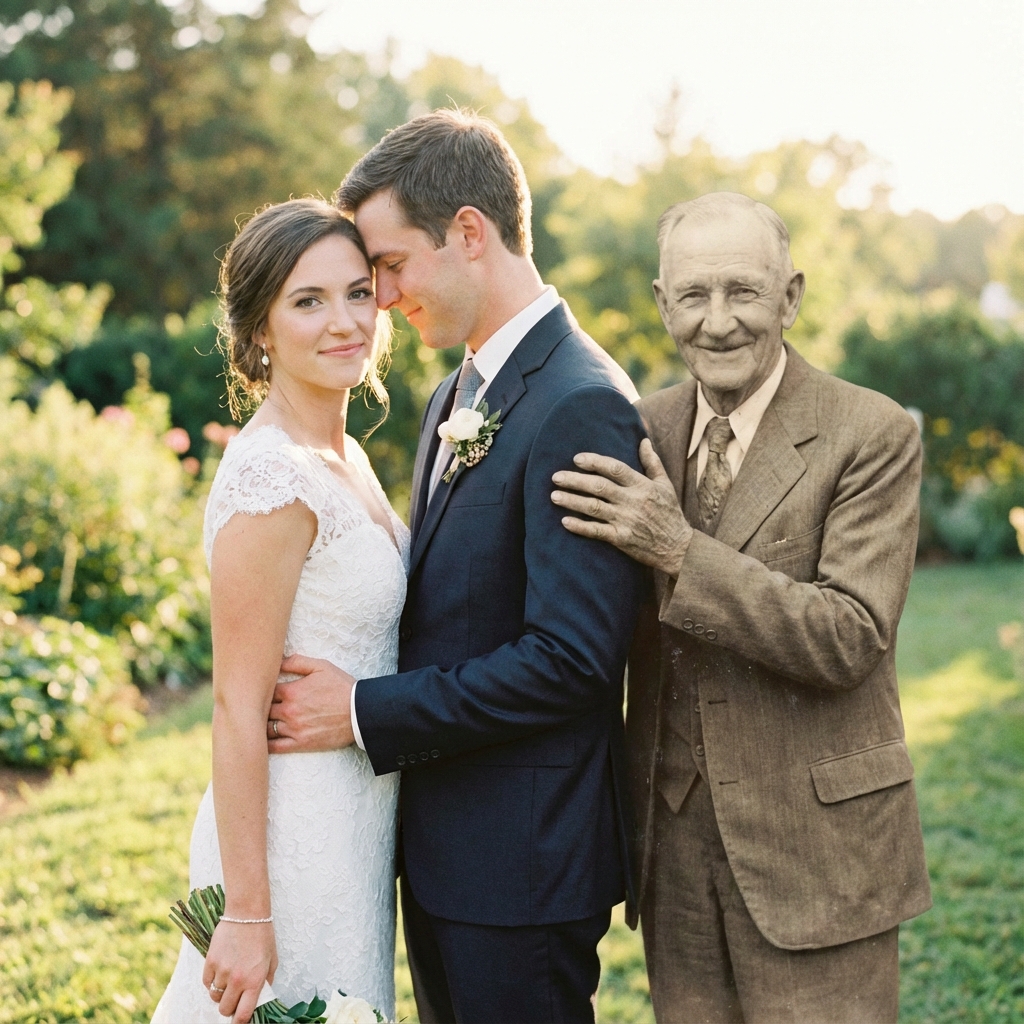
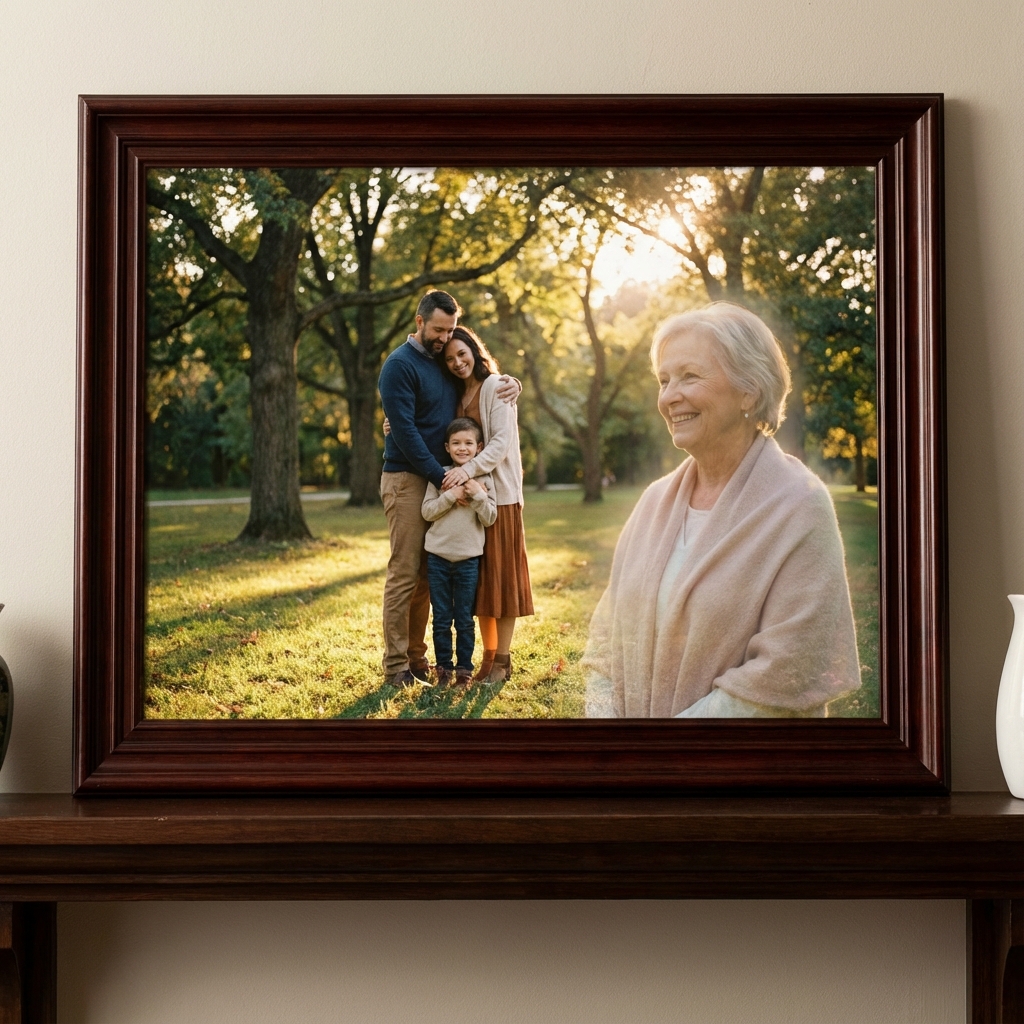
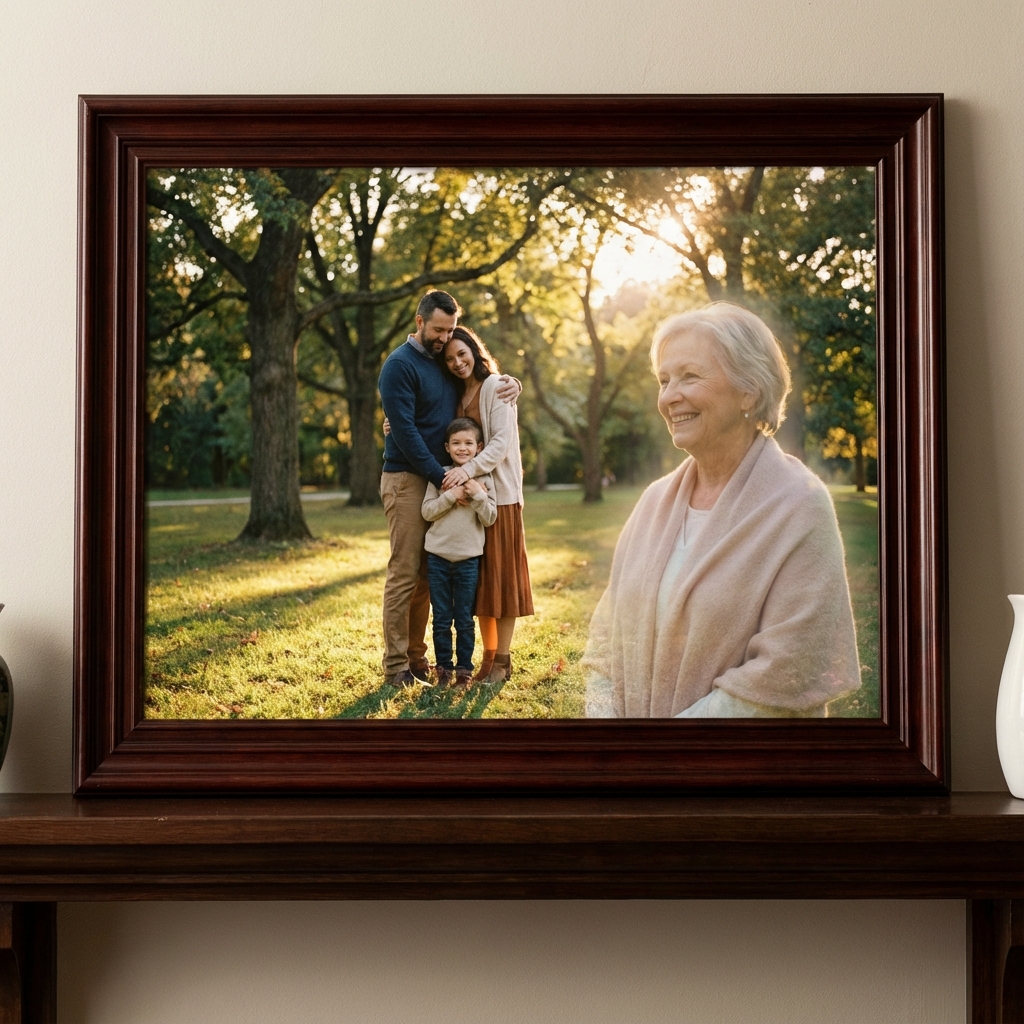
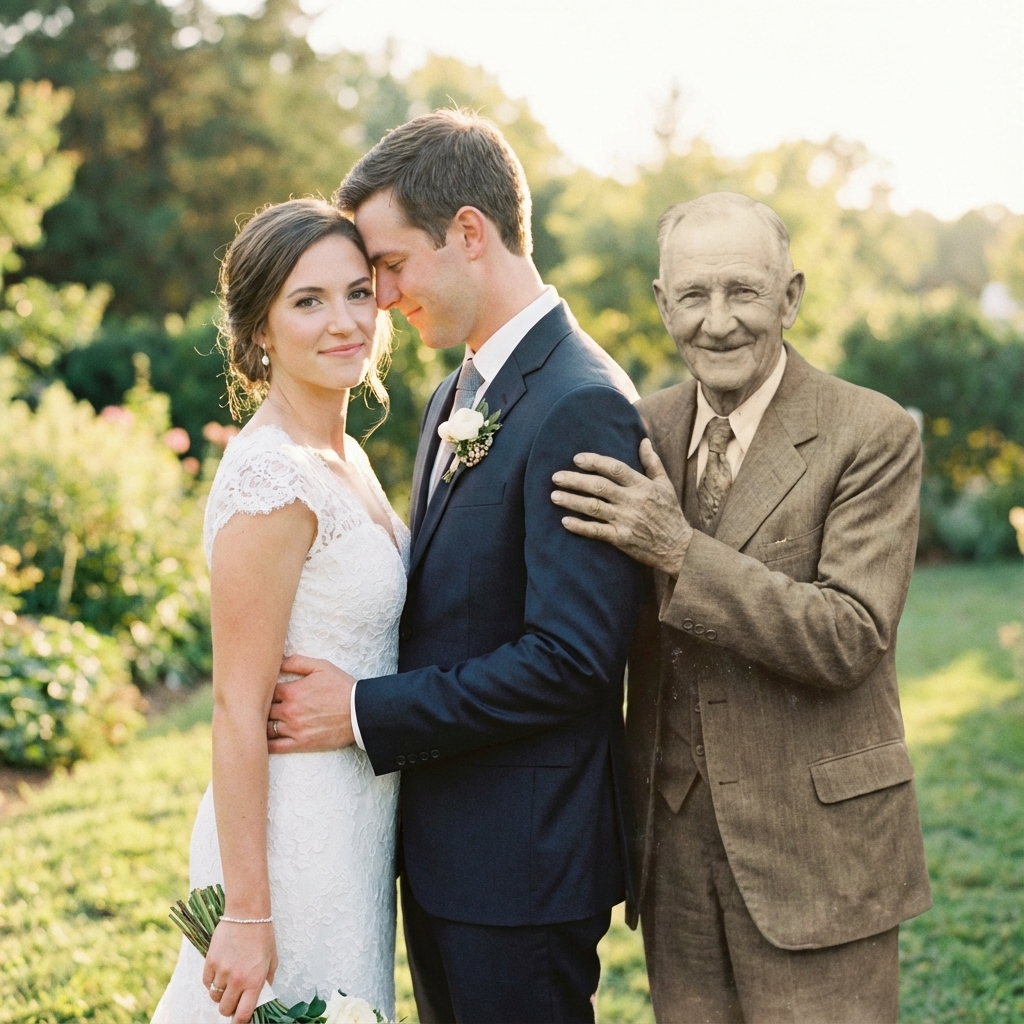
Complete your family and group photos with missing loved ones. Free AI tool seamlessly adds people to group photos with natural, realistic results.
Smart Group Photo Integration
AI technology that seamlessly adds missing people to group photos with perfect realism.
Natural Group Integration
AI intelligently positions and blends missing people into group photos with realistic lighting, sizing, and perspective matching.
Smart Positioning
Choose exactly where to place the person - front, back, center, or edges. AI adjusts everything to match that position naturally.
Lighting Harmony
Automatically matches lighting direction, shadow placement, and color temperature between the added person and group photo.
Add Multiple People
Add several missing family members or friends to one group photo. AI arranges everyone naturally with proper spacing.
High Resolution Output
Ultra-high resolution (300 DPI) results perfect for printing group photos, family albums, and large format displays.
100% Free
Completely free service. Add unlimited people to unlimited group photos. No subscriptions, no watermarks, no hidden fees.
Complete Your Group Photos
Add missing family members, friends, or loved ones to create the complete group photo you've always wanted.
Family Reunion Photos
Add deceased family members to current reunion photos, ensuring no one is missing from your complete family group portrait.
Group Event Photos
Add people who could not attend weddings, graduations, parties, or celebrations - create the group photo that should have been.
Team & Class Photos
Add missing team members, classmates, or coworkers to group photos - complete your team, class, or organizational portraits.
Memorial Group Tributes
Create memorial group photos showing deceased loved ones with current family for anniversaries, tributes, or memorial services.
How to Add a Person to Group Photo
Complete your group photo in 4 simple steps.
Upload Your Group Photo
Select the group photo where you want to add the missing person - family reunion, wedding, graduation, or any group gathering.
Add Person's Photo
Upload a clear photo of the person you want to add. You can add one person or multiple people. Photos from any era work perfectly.
Choose Position
Specify where you want the person positioned in the group - front row, back row, center, or edges. Our AI adjusts sizing and lighting automatically.
Download Complete Photo
Get your high-resolution complete group photo instantly. Print it, frame it, or share it - everyone is finally together in one photo.
Complete Group Photo Stories
Families who added missing loved ones to their group photos.
"Added my late grandmother to our family reunion photo from last summer. The AI positioned her perfectly in the back row. It looks like she was actually there - absolutely amazing technology!"
Jessica Roberts
Family Reunion
"My brother couldn't make it to the wedding group photo. Added him in later using this tool - matched the lighting and everything perfectly. You literally can't tell he wasn't originally in the shot."
Mike Walsh
Wedding Photo
"Added both my deceased parents to our extended family Christmas photo. Everyone is together finally. Printed it on canvas - it's the most treasured item in our home. Free and amazing."
Sandra Green
Holiday Photo
Frequently Asked Questions
Everything you need to know about adding people to group photos.
Upload your group photo and a separate photo of the missing person. Our AI analyzes the group composition, lighting, and perspective, then intelligently positions and blends the person into the group as if they were originally there.
Yes! You can add as many missing people as needed. Upload multiple individual photos, and our AI will position each person naturally within the group composition while maintaining visual balance and realistic spacing.
Our AI creates highly realistic results by matching lighting direction, shadow placement, color tones, perspective, and even adjusting the person's size to match the group's distance from the camera. The result looks professionally composed, not artificially added.
Absolutely! You have full control over positioning - front row, back row, center, edges, or even in the background. Our AI adapts the person's size, lighting, and focus to match their position in the composition.
No problem! Our AI works with photos from different eras, locations, and lighting conditions. It automatically adjusts colors, lighting, and photo quality to harmonize the missing person's photo with your group photo.
Yes, this is one of our most popular uses. Many families add deceased parents, grandparents, or siblings to current reunion photos to create complete family portraits that include everyone, past and present.
Simply upload both photos to our free tool. Our AI handles all the complex work - matching lighting, adjusting sizes, blending colors, and positioning. No photo editing skills required, no software downloads needed.
Yes! Our service is completely free. Add as many people to as many group photos as you want. Create unlimited variations, download high-resolution results - all at no cost, with no watermarks.
Complete Your
Group Photo Today
Free AI tool to add missing people to group photos. Natural results, instant processing. Create the complete family photo you've always wanted.
Add Person Free